
We’ve partnered with CheckIssuing to offer you a faster, more secure way to receive payments. No more waiting for checks in the mail; however, we know that some people prefer the familiar process of depositing printed checks, but don’t want to wait for the SLOW USPS to deliver them their check. Here’s how to download and print your digital check so you can get cash TODAY**
**Please note that you will need access to a printer in order to take advantage of this option.
🖨 Step-by-Step Download & Print Guide
- Click the secure link in your digital check email
- On the digital check page, click “Download and Print”
- A PDF will download to your device containing:
- A properly formatted check (front), Check back with endorsement area & Instructions for deposit
📋 Important Notes: Print the PDF Using These Settings
- Paper: Standard 8.5″ x 11″ white paper
- Print Quality: High or Best quality
- Color: Black and white is fine
- Scaling: 100% (actual size)
Sign the back of the printed check in the endorsement area
Deposit at your bank using any of these methods:
- Bank teller
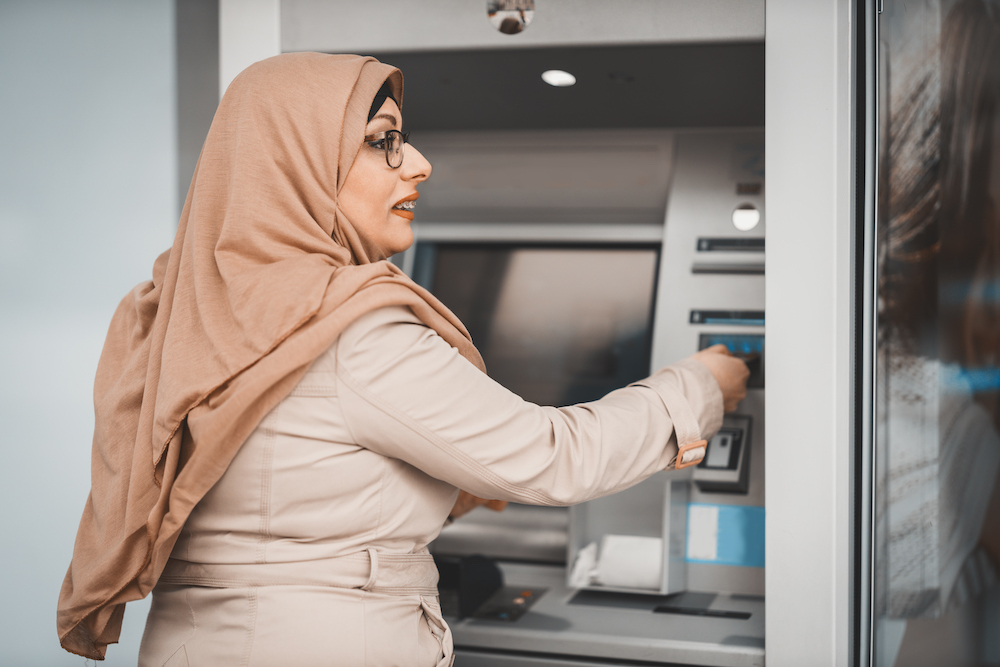
- ATM Deposit
- Drive-through banking
📋 Important Details:
- Print on clean, white paper for best results
- Don’t fold or crease the check unnecessarily
- The check includes all security features of traditional checks
- Each check can be downloaded multiple times if needed (up to your limit) – but only cashed/deposited once
🔒 Security Features: Your printed digital check includes the same security features as traditional checks, making it fully compliant with US banking standards